1
Start with the core idea
Use the short version when you only need a reminder of what a passage says.
Move between a quick reminder and a fuller lesson without leaving the passage you are studying. Planned for AccelaStudy AI Bible.
See how it works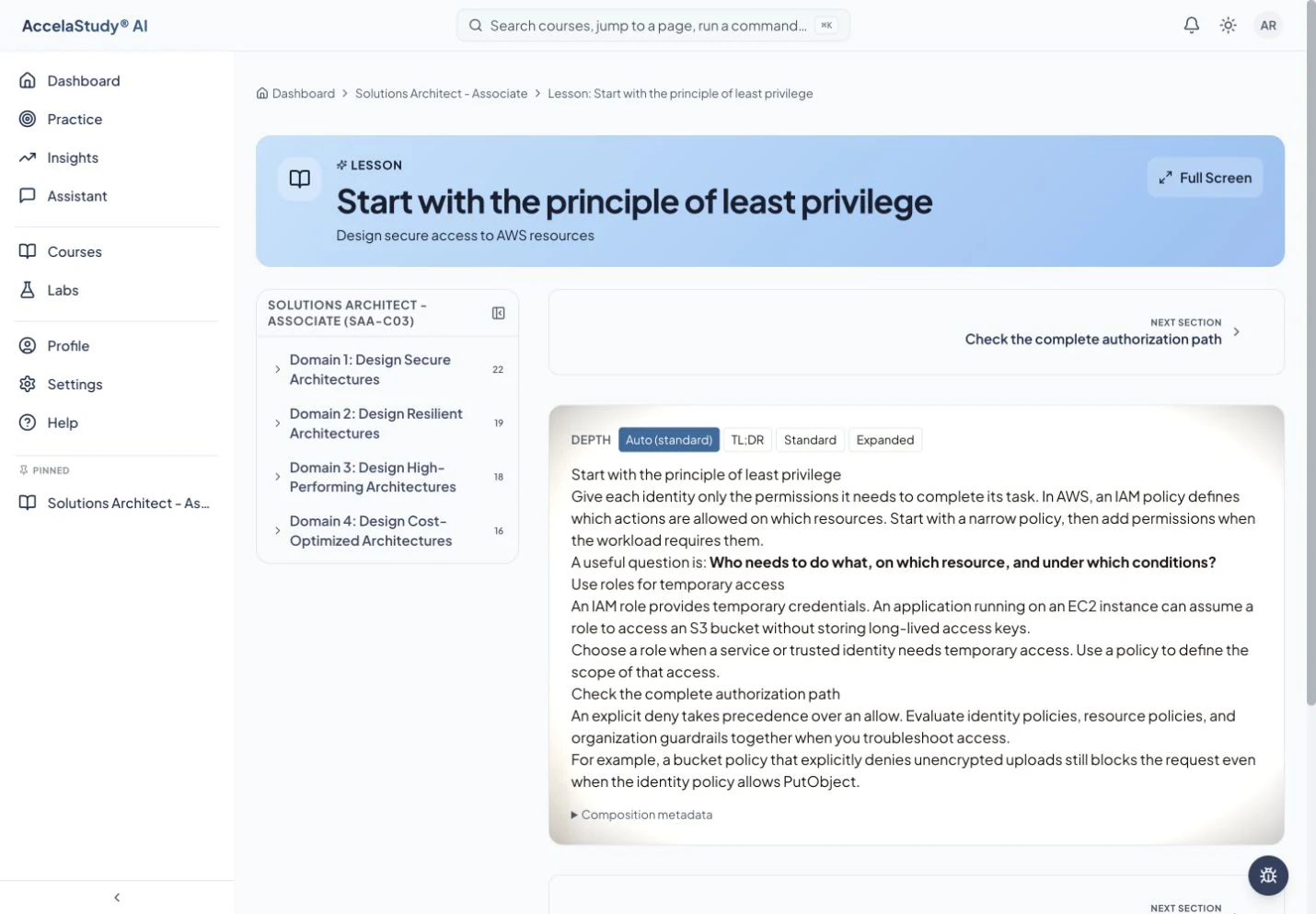
Screens from today’s AccelaStudy AI study app, with an illustrative learner in certification courses. AccelaStudy AI Bible is coming soon.
Sometimes a reminder is enough. Sometimes you need the background and the reason a passage matters. Lesson Aperture is planned to let you choose the depth of each lesson in AccelaStudy AI Bible, whether you are reading a household’s weekly passage or working through a book on your own.
Use the short version when you only need a reminder of what a passage says.
Choose a fuller level for background and context, and for where the passage sits among the twelve eras. The lesson stays on the same passage. Where Christians read a passage differently, the lesson is planned to name the readings and take no side.
Use the explanation to close the gap, then apply it in your next activity.
Planned for AccelaStudy AI Bible, which is coming soon. The screens on this page show today’s study app with an illustrative learner in certification courses.
AccelaStudy AI Bible is coming soon. Join the waitlist and we'll email you when it opens.